
Mastering the DOM Manipulation
Complete DOM guide — tree structure, selection APIs, manipulation, events, traversal, delegation, and interactive playgrounds with real-world examples.
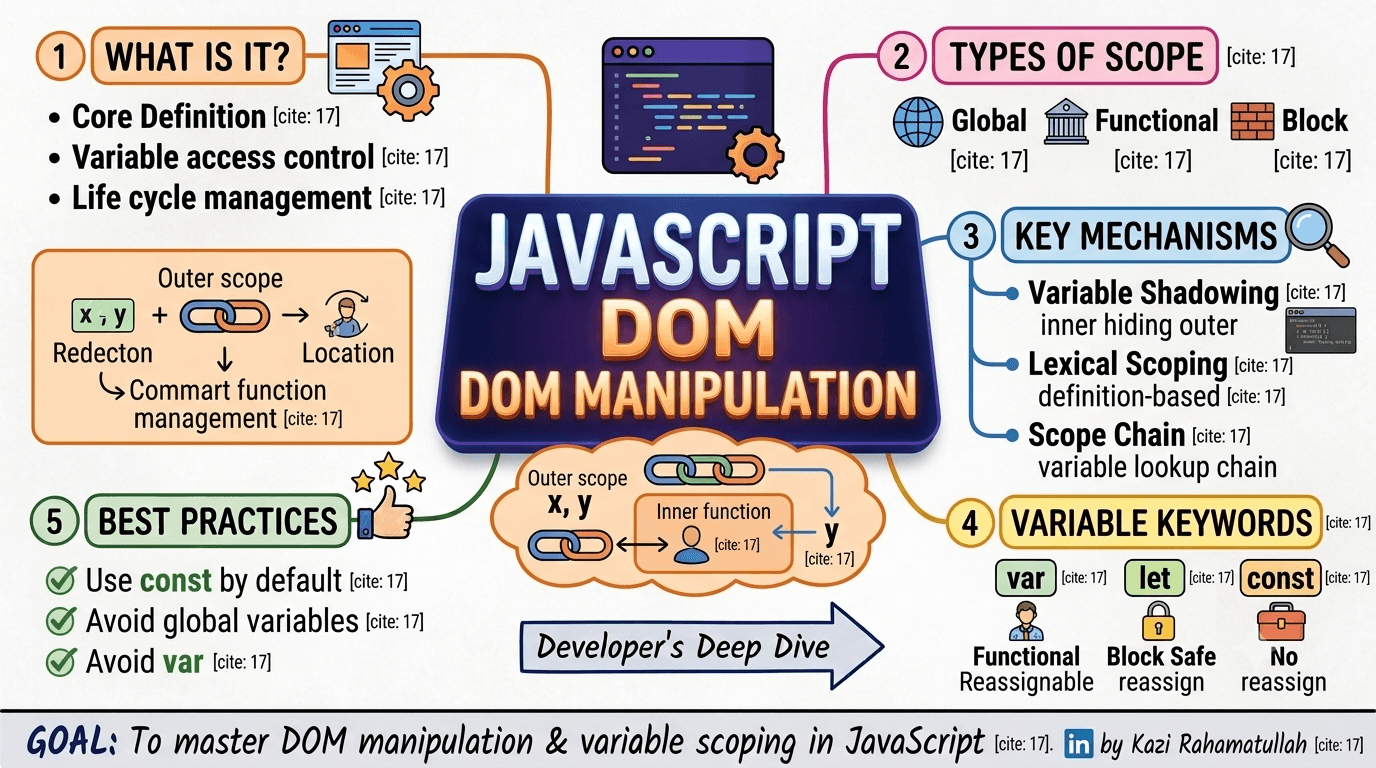
Introduction
The Document Object Model (DOM) is the browser's logical representation of your HTML — a tree of nodes you can read and change with JavaScript. Every dynamic UI, form validation flow, and interactive component ultimately comes down to DOM selection, manipulation, and events.
This guide walks topic-by-topic through mastering the DOM:
- Introduction & basics — window, document, node tree
- DOM selection — IDs, classes, tags, querySelector
- DOM manipulation — content, styles, attributes, creating nodes
- DOM events — listeners, event types, bubbling, delegation
- Advanced topics — traversal, fragments, Shadow DOM
- Practice projects — todo list, validation, gallery, nav
Course Reference
Quick index
1. Introduction to the DOM
When a browser loads HTML, it builds an in-memory tree. Each tag, attribute, and text node becomes an object you can access from JavaScript.
| Concept | Meaning |
|---|---|
| Document | The entire web page as a node tree |
| Node | Any point in the tree (element, text, comment) |
| Element | A node with a tag name (div, p, button) |
| Purpose | Dynamic interaction — update UI without full page reload |
<!DOCTYPE html>
<html>
  <head>
    <title>My App</title>
  </head>
  <body>
    <h1 id="title">Hello</h1>
    <button id="btn">Click</button>
  </body>
</html>const title = document.getElementById('title')
title.textContent = 'Hello, DOM!'2. Basics — window & document
Window object
The window is the global object in browsers — tabs, viewport, timers, and document all hang off it.
console.log(window.innerWidth)
window.addEventListener('resize', () => console.log('resized'))
const id = window.setTimeout(() => {}, 1000)
window.clearTimeout(id)
Document object
document is the entry point to the DOM tree.
document.documentElement // <html>
document.head // <head>
document.body // <body>
document.title // page title string
Tree structure
| Relationship | API examples |
|---|---|
| Parent | node.parentNode, node.parentElement |
| Children | node.children, node.childNodes |
| Siblings | node.nextElementSibling, previousElementSibling |
const card = document.querySelector('.card')
const parent = card.parentElement
const next = card.nextElementSibling
Interactive: DOM tree explorer
DOM Tree Explorer
Click nodes in the document tree — see parent/child relationships and how HTML becomes a node hierarchy.
Document tree
Selected node
<div.card>
nodeType: Element
Relationship: Child of main
document.documentElement → <html>
document.body → <body>
document.head → <head>
3. DOM selection
Choosing the right API keeps code readable and performant.
| API | Returns | Best for |
|---|---|---|
getElementById(id) | Single element / null | One unique element |
getElementsByClassName | Live HTMLCollection | All elements with a class |
getElementsByTagName | Live HTMLCollection | All elements with a tag |
querySelector(selector) | First match / null | Flexible CSS selector (one) |
querySelectorAll(selector) | Static NodeList | Flexible CSS selector (all) |
const hero = document.getElementById('hero')
const cards = document.getElementsByClassName('card')
const paragraphs = document.getElementsByTagName('p')
const firstBtn = document.querySelector('button.primary')
const allBtns = document.querySelectorAll('button')// Scoped selection — search inside a container
const nav = document.querySelector('nav')
const links = nav.querySelectorAll('a[href^="/blog"]')Interactive: selection playground
DOM Selection Playground
Compare selection APIs — single element, live collections, and CSS selector queries.
document.querySelector('.heading.muted')
<h1 id="title">
class: heading
Hello DOM
<h2 id="subtitle">
class: heading muted
Selection APIs
<div id="card">
class: card
Card content
<button id="cta">
class: card primary
Get started
Matched 1 element: subtitle
Prefer querySelector / querySelectorAll for flexible CSS selectors. Use IDs when you need exactly one known element.
4. DOM manipulation
Content
| Property | Behavior |
|---|---|
textContent | Plain text only — safe for user-facing strings |
innerText | Rendered text (CSS-aware, reflows) |
innerHTML | Parses HTML markup — XSS risk with user input |
const msg = document.querySelector('#status')
msg.textContent = 'Saved successfully'

// Dangerous with untrusted input:
// el.innerHTML = userInput
Styling & classes
const box = document.querySelector('.box')
box.style.backgroundColor = 'cyan'
box.className = 'box active'
box.classList.add('highlight')
box.classList.remove('hidden')
box.classList.toggle('open')
box.classList.contains('open') // true/false
Creating & inserting nodes
const list = document.querySelector('#todo-list')
const li = document.createElement('li')
li.textContent = 'Learn DOM manipulation'
li.setAttribute('data-id', '1')

list.appendChild(li) // add at end
list.insertBefore(li, list.firstChild) // add at start
li.remove() // modern removal
Attributes
const input = document.querySelector('input')
input.setAttribute('aria-label', 'Email address')
input.getAttribute('type') // 'email'
input.removeAttribute('disabled')
input.dataset.userId = '42' // data-user-id="42"Interactive: manipulation lab
DOM Manipulation Lab
Practice content updates, classList toggles, and creating elements — the core building blocks of dynamic UIs.
el.textContent = '...'
el.classList.toggle('active')
const li = document.createElement('li')
parent.appendChild(li)
Live card
Edit me with JavaScript
- Learn selection
- Manipulate content
Use textContent for safe text updates. Reserve innerHTML for trusted markup only — it parses HTML and can introduce XSS if fed user input.
5. DOM events
Adding listeners
const btn = document.querySelector('#save')

function handleSave(event) {
  console.log(event.type) // 'click'
  console.log(event.target) // element that triggered the event
}

btn.addEventListener('click', handleSave)
btn.removeEventListener('click', handleSave)
Common event types
| Category | Events |
|---|---|
| Mouse | click, dblclick, mouseenter |
| Keyboard | keydown, keyup, keypress |
| Form | submit, input, change |
| Window | load, resize, scroll |
form.addEventListener('submit', (e) => {
  e.preventDefault() // block default form navigation
  const data = new FormData(form)
  save(data)
})

input.addEventListener('input', (e) => {
  validate(e.target.value)
})
Event object essentials
link.addEventListener('click', (event) => {
  event.preventDefault() // cancel default action
  event.stopPropagation() // stop bubbling to parents
  console.log(event.currentTarget) // element listener is on
  console.log(event.target) // deepest clicked element
})
Event bubbling & delegation
Events propagate from target → ancestors (bubble phase). Attach one listener on a parent to handle many children:
const list = document.querySelector('#task-list')

list.addEventListener('click', (e) => {
  const item = e.target.closest('[data-task-id]')
  if (!item) return
  toggleTask(item.dataset.taskId)
})
Interactive: events playground
DOM Events Playground
See event bubbling on nested elements and efficient delegation on a dynamic list.
grandparent (click me)
parent — stopPropagation
child target
Event log (bubble phase)
Click nested boxes…
6. Traversal & advanced topics
Traversing the DOM
const node = document.querySelector('.item')
node.parentElement
node.children
node.firstElementChild
node.lastElementChild
node.nextElementSibling
node.previousElementSibling
DocumentFragment — batch DOM updates
const fragment = document.createDocumentFragment()
const items = ['Apple', 'Banana', 'Cherry']

items.forEach((fruit) => {
  const li = document.createElement('li')
  li.textContent = fruit
  fragment.appendChild(li)
})

list.appendChild(fragment) // single reflowShadow DOM & Web Components (overview)
Shadow DOM encapsulates markup and styles inside a component boundary. Web Components (customElements.define) let you build reusable HTML tags.
class GreetingCard extends HTMLElement {
  connectedCallback() {
    const shadow = this.attachShadow({ mode: 'open' })
    shadow.innerHTML = `
      <style>p { color: teal; font-weight: bold; }</style>
      <p>Hello from Shadow DOM</p>
    `
  }
}

customElements.define('greeting-card', GreetingCard)<greeting-card></greeting-card>7. DOM practice ideas
Build these projects to cement the APIs:
Todo list
const form = document.querySelector('#todo-form')
const list = document.querySelector('#todo-list')

form.addEventListener('submit', (e) => {
  e.preventDefault()
  const input = form.querySelector('input')
  const li = document.createElement('li')
  li.textContent = input.value
  list.appendChild(li)
  input.value = ''
})

list.addEventListener('click', (e) => {
  if (e.target.matches('li')) e.target.classList.toggle('done')
})
Real-time form validation
const email = document.querySelector('#email')
const hint = document.querySelector('#email-hint')

email.addEventListener('input', () => {
  const valid = email.validity.valid
  hint.textContent = valid ? '' : 'Enter a valid email'
  email.classList.toggle('invalid', !valid)
})
Dynamic image gallery
const gallery = document.querySelector('#gallery')
const images = ['/a.jpg', '/b.jpg', '/c.jpg']

images.forEach((src) => {
  const img = document.createElement('img')
  img.src = src
  img.alt = 'Gallery item'
  img.addEventListener('click', () => openLightbox(src))
  gallery.appendChild(img)
})
Interactive navigation menu
const toggle = document.querySelector('.nav-toggle')
const menu = document.querySelector('.nav-menu')

toggle.addEventListener('click', () => {
  menu.classList.toggle('open')
  toggle.setAttribute('aria-expanded', menu.classList.contains('open'))
})Conclusion
The DOM is the bridge between your HTML and JavaScript. Master the tree mental model, pick the right selection API, manipulate safely, and handle events with bubbling and delegation.
Key takeaways:
- DOM = live tree of nodes representing the document
- document / window are your entry points in the browser
- querySelector(All) for flexible selection; scope to parents when possible
- textContent and classList cover most day-to-day updates
- addEventListener + delegation scale to dynamic UIs
- DocumentFragment batches inserts; Shadow DOM encapsulates components
From todo lists to full SPAs — it all starts with the DOM.
Have questions about DOM APIs or events? Reach out via the contact page.
Subscribe to my newsletter
Stay up to date and get notified when I share new contents.
No spam ever, unsubscribe anytime